How to Use This Vocabulary Page
AP CSP Unit 1 vocabulary study flow
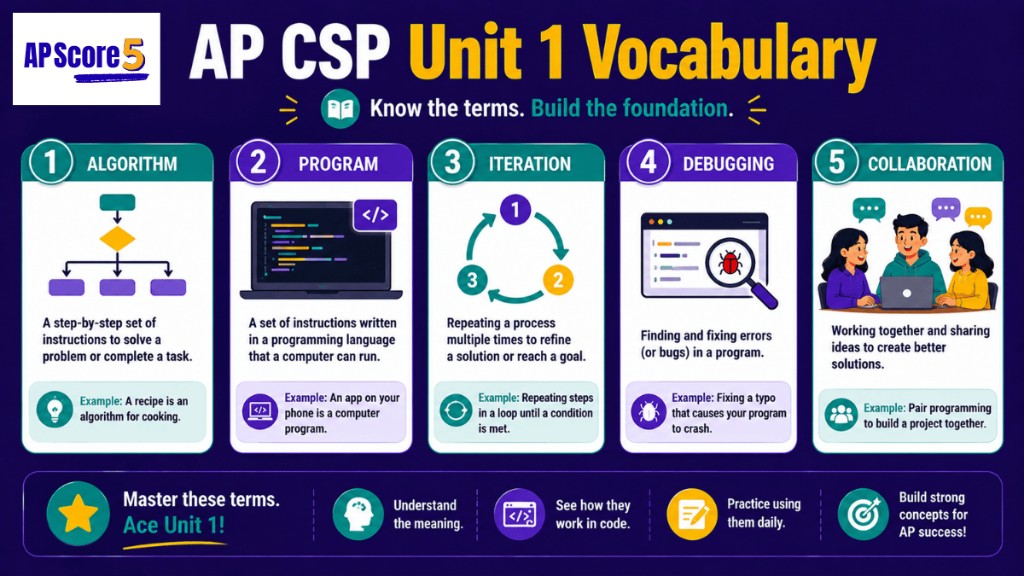
Start by scanning the term table to see all 24 Unit 1 terms. Then switch to flashcard mode and flip through them. Rate yourself honestly after each card — "Got it" if you knew the definition, "Unsure" if it was close, "Nope" if you missed it. Cards rated "Nope" return more often. Once every term is rated "Got it," you've mastered Unit 1 vocabulary.
Why self-rating matters
Cramming without rating doesn't work — you re-read terms you already know and skip terms you don't. Self-rating forces you to be honest about which terms need more time, and the system uses that to send weak terms back to you. The vocabulary mastery tracker in the sidebar updates live as you rate cards, so you always know how many terms still need work.
This page is the vocabulary safety net for every Unit 1 concept guide. If you miss a vocab-heavy question on the Unit 1 Practice Hub, come here before you reread an entire concept page. Drill the specific term, then return to practice.
Official Big Idea 1 standards on College Board AP Central describe how computing innovations are developed through collaboration, iteration, and testing — the same words you'll see on MCQs. Knowing them cold makes scenario questions readable on the first pass.
How the five topic groups connect on the exam
Collaboration terms show up when a scenario describes classmates testing each other's apps or giving feedback. Program development terms appear in "what should the programmer do next?" questions about purpose, procedures, and parameters. Iterative development language appears when a student builds version after version or adds a loop to process a list. Testing and debugging vocabulary is essential for invalid-input stories and Create Task Row 6. Documentation terms matter for comment-quality MCQs and written responses about the Personalized Project Reference.
If you only have ten minutes before a quiz, filter the table to your weakest topic, read those rows aloud, then run flashcards on that filter only. The topic chips above the card deck use the same groups, so you can stay focused without scrolling the full list.
All Unit 1 Terms
AP CSP Unit 1 vocabulary list by topic
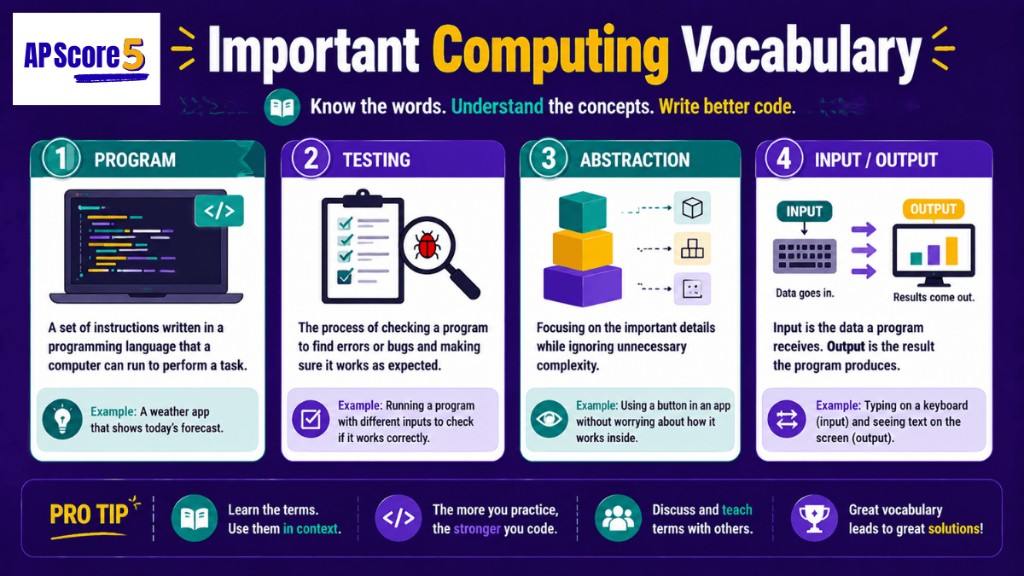
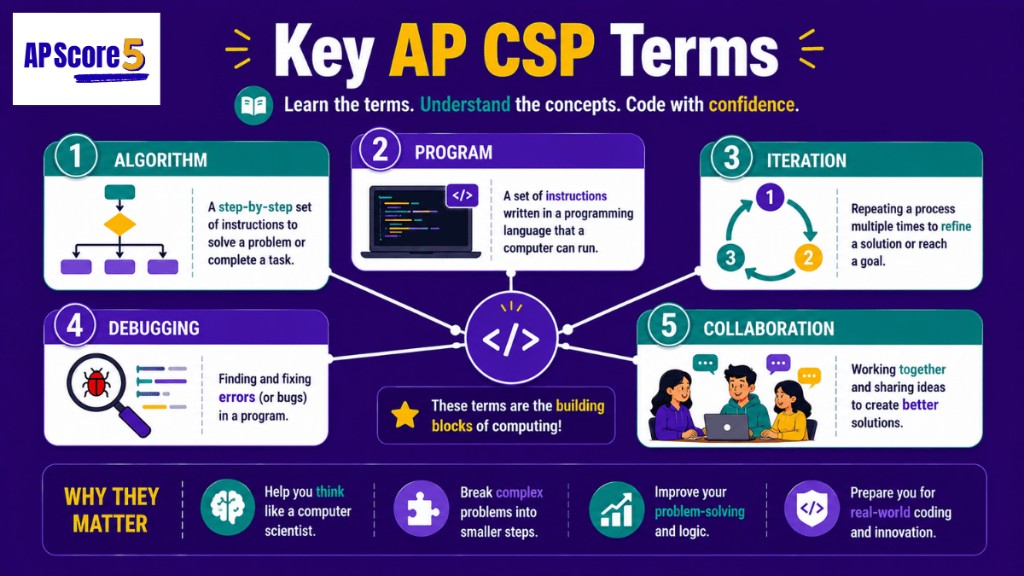
Below are the 24 terms every AP CSP Unit 1 student should know. Terms are grouped by topic to make scanning faster. Use the search box to find a single word, or filter by topic when you are reviewing one concept area before a quiz.
Click any row to jump to that term in flashcard mode.
| Term | Definition | Example |
|---|---|---|
| Topic 1: Collaboration | ||
| Collaboration | Working with others to design, build, test, or improve a program | A classmate tests your quiz app and points out a bug |
| Pair programming | Two programmers working on one program together | One person writes code; the other reviews each line |
| Peer feedback | Specific information from another person about your work | "The submit button is hard to find on mobile" |
| Topic 2: Program Development | ||
| Program development process | The series of steps used to turn an idea into a working program | Plan → design → build → test → refine → document |
| Program purpose | Why a program exists — the user need it addresses | Helps AP students review vocabulary |
| Program function | What a program does when it runs | Shows a term, takes input, checks the answer, updates the score |
| Computational artifact | Anything created using computing — programs, videos, infographics, simulations | A quiz app or a video demo of the app |
| Algorithm | A step-by-step process that solves a problem | Compare user's answer to correct answer, update score, move to next question |
| Procedure | A reusable named block of code (also called a function or method) | checkAnswer(userInput, correctAnswer) |
| Parameter | A value passed into a procedure that changes its behavior | userInput and correctAnswer in the procedure above |
| Topic 3: Iterative Development | ||
| Iteration (as a process) | One full cycle of plan → build → test → refine | Building version 2 of your app after testing version 1 |
| Iteration (as a code structure) | A loop in code — repeating instructions while a condition is true | A for loop that runs through every term in your list |
| Iterative development | Building a program in repeated cycles, improving with each one | Building v1, v2, v3, v4 of a quiz app |
| Prototype | An early, simple version of a program | A quiz app that only displays one question |
| Refinement | Improving a program based on what testing revealed | Adding input validation after the program crashed on blank input |
| Topic 4: Testing & Debugging | ||
| Test case | A specific input used to check whether the program works | Enter "iteration" as the answer — expect "Correct" |
| Normal case | A test input that's expected during normal use | User types a typical answer |
| Edge case | A test input at the boundary of allowed values | Empty list, first item, last item, maximum value |
| Invalid case | A test input the program wasn't designed to handle | Leaving the answer blank when the program expects text |
| Debugging | Finding and fixing the cause of a bug | Adding a missing line of code after testing reveals a problem |
| Input validation | Code that checks input before processing it | Checking whether the answer field is blank before comparing |
| Topic 5: Documentation | ||
| Documentation | Written information that explains how a program works and why | Code comments + a short README |
| Code comment | A note inside code that explains a decision or section | // Increase score after a correct answer |
| Personalized Project Reference (PPR) | The code segments students submit for the Create Task to write about on exam day | Two code segments showing the procedure and list used |
After you scan the table, open flashcard mode and try to define each term before you flip. Pair this list with the program development process guide when terms like purpose, function, and procedure show up together on the exam.
Students building a Create Task should connect each row to something in their own project — a real test case, a comment they wrote, or feedback a classmate gave. That connection is what turns vocabulary into points on written responses.
Topic-by-topic review tips
For Collaboration, say each definition while imagining your last code review with a partner — who tested, who gave feedback, and whether that was pair programming or peer feedback. For Program Development, trace one feature in your app from purpose through procedure and parameter names you actually used. For Iterative Development, name your prototype version and one refinement you made after testing. For Testing & Debugging, list one normal, one edge, and one invalid input you have tried. For Documentation, open your project and find your best comment plus the segments you would submit as a PPR.
These five mini-exercises take about two minutes each and work better than copying definitions into a notebook. They also prepare you for free-response prompts that ask you to describe process, not recite glossary text.
Flashcards — Drill the 24 Terms
One card at a time. Read the term, guess the definition, then flip. Rate yourself so weak cards return automatically — Nope cards come back after three cards; Unsure cards after seven; Got it cards leave the deck for this session.
Say the definition out loud before you flip — even a rough paraphrase counts. If you cannot say anything, rate Nope without guilt; that is the signal to drill again. If you are close but missing one detail, rate Unsure so the card returns later in the pass. Reserve Got it for terms you could explain to a classmate without looking.
Session progress saves in your browser until you close the tab. Use Reset vocab progress in the sidebar when you want a clean deck for a new study day. The mastery tracker counts every rating so you can see which topic group is lagging before you walk into class.
Commonly Confused Pairs
Some Unit 1 terms look similar but mean different things. Students lose MCQ points by mixing them up. The five most-confused pairs are below.
| Pair | The difference |
|---|---|
| Testing vs Debugging | Testing finds problems. Debugging fixes them. You can't debug what you haven't tested. |
| Purpose vs Function | Purpose is WHY the program exists. Function is WHAT the program does when it runs. |
| Collaboration vs Copying | Collaboration is sharing ideas and testing each other's work. Copying is taking someone's code without understanding it. |
| Iteration (process) vs Iteration (loop) | The first is a development cycle (plan → build → test → refine). The second is a code structure (a for or while loop). The same word, two meanings. |
| Input vs Output | Input is data the user gives the program. Output is what the program shows or produces. |
Review program testing when you mix up test types, and iterative development when iteration-as-loop vs iteration-as-process trips you up.
Self-Test — 8 Quick Vocab Questions
After flashcards, try these eight quick questions to confirm the terms stuck. Same one-at-a-time flow as the Practice Hub — pick an answer, read the explanation, then move on.
Questions cover test-case types, parameters, iteration as a process, purpose versus function, documentation quality, prototypes, iteration as a loop structure, and peer feedback. A score of seven or higher usually means your active recall is solid; anything lower means return to the table rows for the terms you missed before you study other units.
Keyboard tip: you can tap A–D choices directly on mobile; on desktop, click the letter button for each option. Explanations stay visible until you press Next, so read why the correct answer fits before you move on — that step is what transfers vocab to AP-style scenarios.
Question 1 of 8
Vocabulary Study Strategy
The most effective study strategy combines reading, flipping, rating, and self-testing. Spend 5 minutes scanning the table, 10 minutes on flashcards (one full pass), and 5 minutes on the self-test. Then come back the next day and only drill the terms you rated "Nope" or "Unsure."
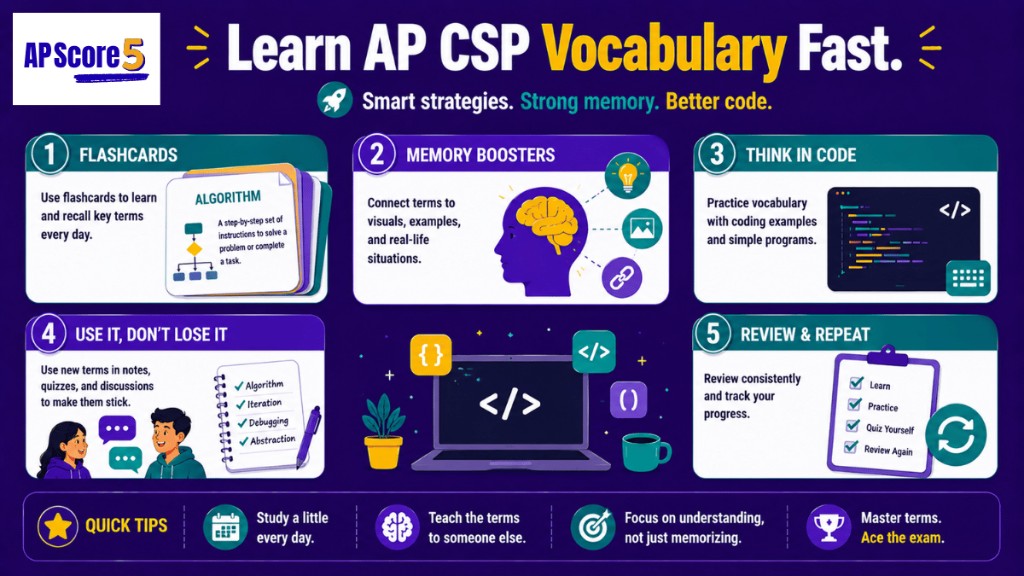
Day 1 (20 min)
- Scan the term table — read each definition out loud
- Switch to flashcards — flip through all 24 terms
- Rate honestly (most students get 8-12 "Got it" on first pass)
- Take the 8-question self-test
- Note which terms need more work
Day 2 (10 min)
- Open flashcards
- Use Open weak cards in the sidebar to focus on Nope and Unsure terms
- Drill until rating is "Got it"
- Retake the self-test
Day 3 onward
Check back every few days. If you can't define a term in 5 seconds, it needs more drilling. Link vocabulary review to real project work on the Create Task Guide — purpose, test cases, and documentation all show up in written responses.
When you are ready for scenario practice, move to the AP CSP Unit 1 Practice Hub diagnostic and full MCQ set. Strong vocab makes those questions faster to read and easier to eliminate.
Using confused pairs on test day
Before an assessment, pick the one pair you mix up most often and write a single sentence that contrasts them in your own words. For purpose versus function, try: "My quiz app exists so students can review terms (purpose); it shows a card, checks an answer, and updates a score (function)." That sentence takes thirty seconds to write and prevents the most common Create Task rubric slip.
Keep the confused pairs table open while you take the eight-question self-test. If you miss a question, check whether you confused two terms from that table — then flip those two cards again before you close the tab.
What You Can Now Do
Tick each line when it is true for you. Your checks save in this browser session.
0 of 5 ready
Frequently Asked Questions
How many terms are on the AP CSP Unit 1 vocabulary list?
This page covers 24 essential terms for Unit 1 Creative Development. The actual AP CSP exam doesn't have a fixed vocabulary list — instead, it tests whether you can apply these concepts to scenarios. Knowing all 24 lets you handle any MCQ that uses Unit 1 vocabulary.
What's the best way to memorize AP CSP vocabulary?
Don't memorize — understand. Reading definitions over and over doesn't work because the AP exam rewords questions. Instead, try to explain each term out loud in your own words, then connect each term to an example from a real project (like the Create Task). Terms you can explain are terms you'll remember.
What's the difference between iteration and iterative development?
"Iteration" has two meanings in AP CSP, which trips up most students. As a process, iteration is one cycle of plan → build → test → refine. As a code structure, iteration is a loop (like a for loop) that repeats instructions. Iterative development is the broader strategy of using many iteration cycles to build a program over time.
Do I need to know exact definitions for the AP CSP exam?
No — you need to understand the concepts well enough to apply them. The AP CSP exam doesn't ask "What is the definition of iteration?" — it asks "Which scenario best shows iteration?" or "What should the programmer do next?" Knowing exact wording is less useful than knowing what each term means in practice.
Are vocabulary questions on the AP CSP exam?
Vocabulary isn't tested directly, but the terms are everywhere. MCQs use these words in scenarios — "Which choice best demonstrates iterative development?" or "What type of test case revealed this bug?" If you don't know the vocab, you can't read the question correctly.
What's the most commonly confused pair of Unit 1 terms?
Purpose vs Function is the #1 mix-up. Purpose is WHY the program exists (the user need). Function is WHAT the program does (the actions). On the Create Task written response, students often describe only function and skip purpose, which loses points on Row 1 of the rubric.
How long should I study vocabulary?
About 20 minutes for the first full pass, then 10 minutes per day for 3-4 days. Spaced repetition (a little bit each day) works much better than cramming all at once. Once you can define every term in 5 seconds, you've mastered Unit 1 vocab.
Should I use flashcards or just read the term table?
Both, in this order: scan the table first to get a big picture, then use flashcards to drill. The table is faster for scanning; flashcards force active recall (which is what actually builds memory). Self-rating after each flip tells you which terms to drill more.